
Shift schedule software replaces error-prone Excel solutions with digital, automated staff scheduling – complete with real-time updates, working time compliance and mobile employee communication. Choosing the right solution depends heavily on company size, industry and budget. This comparison outlines the most important criteria and provides industry-specific recommendations.
What Is Shift Schedule Software?
Shift schedule software is a digital solution for planning, managing and communicating work shifts. It enables HR managers and shift coordinators to create, publish and adjust rosters centrally in real time – without spreadsheets or paper-based processes.
At its core, professional shift scheduling software differs from an Excel rota in three key ways: it automatically checks compliance with statutory requirements (such as rest periods under working time legislation), notifies all parties immediately of any changes, and allows employees to view or swap shifts via mobile device.
Related concepts such as workforce planning deal with strategic headcount analysis. Shift schedule software operates at an operational level – it translates planned staffing needs into concrete rosters.
Core Features at a Glance
Most shift scheduling tools offer the following functions:
- Drag-and-drop scheduling: Assign shifts with a single click
- Shift marketplace: Employees can swap shifts independently, without the manager having to coordinate every change
- Automatic compliance check: The system warns when statutory rest periods or maximum working hours are about to be exceeded
- Mobile app: Employees can access their rota on their smartphone at any time
- Absence management: Holiday, sick leave and days off are factored directly into the schedule
- Reporting: Overtime, absences and scheduling statistics at a glance
When Does Switching to Digital Scheduling Pay Off?
According to the German Federal Statistical Office (Destatis), around 20% of all employees in Germany work regular shift patterns – particularly in healthcare, manufacturing, hospitality and retail. In these industries, manual planning via Excel is known to generate significant time expenditure and is highly prone to error.
Typical Warning Signs with Manual Scheduling
You should consider switching to a digital solution if:
- shift planning regularly takes several hours per week
- shift changes have to be communicated laboriously by phone or WhatsApp
- short-notice absences are difficult to cover because there is no quick overview of availability
- you are unsure whether your shift plans comply with statutory working time requirements
- employees frequently ask when they are scheduled to work
Legal Requirements: Working Time Law and GDPR
Germany's Working Time Act (Arbeitszeitgesetz, ArbZG) sets out binding requirements for employees:
- Maximum working time: 8 hours per working day, extendable to 10 hours in the short term, provided this is offset within 6 calendar months or 24 weeks (§ 3 ArbZG)
- Minimum rest period: 11 uninterrupted hours between two shifts (§ 5 ArbZG)
- Rest breaks: At least 30 minutes after 6 hours of work, at least 45 minutes after 9 hours (§ 4 ArbZG)
Good shift schedule software checks these requirements automatically and prevents non-compliant rosters from being published.
On data protection: shift plans contain personal data. Any software used must be GDPR-compliant. This requires the mandatory conclusion of a Data Processing Agreement (DPA) with the provider. Providers with servers located in Germany or within the EU are particularly recommended.
The Most Important Comparison Criteria
Usability and Mobile App
For shift workers, the mobile app is often the primary interface. A tool will only gain acceptance in everyday use if employees can comfortably view their rota on their smartphone and swap shifts with ease. Key considerations: iOS and Android support, push notifications for shift changes, and an intuitive interface that requires no training.
Working Time Compliance
Automatic checking of rest periods and maximum working hours is not a nice-to-have – it is essential. Violations of working time legislation can result in fines. Good tools issue active warnings before a non-compliant schedule is saved.
GDPR and Data Security
Before purchasing, check: Where are the servers located? Is there a DPA in place? Are data transferred to third-party providers? Providers based in Germany (e.g. Papershift) or within the EU offer greater legal certainty.
Costs and Pricing Models
Most providers use a freemium model: a basic version is free, while professional features are available at a cost. Indicative pricing:
- Free (freemium): Sling, When I Work (up to a certain number of users)
- Pro versions: approx. €2–6 per user/month
- Enterprise: individual pricing, often from €10 per user/month
Watch out for hidden costs: setup fees, per-location charges or feature restrictions in the freemium version.
Integrations and Interfaces
Many businesses already use payroll software (e.g. DATEV, Lexware, SAP). A good shift scheduling tool should transmit this data automatically to avoid manual double entry. When purchasing, clarify: which interfaces are included as standard, and which cost extra?
Shift Schedule Software at a Glance
The table below provides a compact overview of well-known providers. All information is based on publicly available data (as of 2025).
| Tool | Strengths | Weaknesses | Target Group | Starting Price |
|---|---|---|---|---|
| Papershift | GDPR-compliant (DE), working time compliance check, comprehensive | Higher onboarding effort | SMEs, healthcare, retail | from approx. €3/user/month |
| Planday | Strong mobile app, good UX | Higher cost, less Germany-specific | Hospitality, retail | from approx. €2/user/month |
| Sling | Free basic version, easy to use | Limited compliance features | Small teams, beginners | free / from approx. $2/user/month |
| When I Work | Simple shift marketplace, good app | Servers outside DE, US provider | Hospitality, retail | free / from approx. $2.50/user/month |
| Deputy | Qualification management, strong reporting | English-focused, higher price | Healthcare, manufacturing | from approx. $4/user/month |
| Zvoove / SP_EXPERT | Specialised in healthcare and social care | Less suitable for other industries | Care facilities | Individual pricing |
Note: Prices and feature sets change regularly. Request up-to-date quotes directly from the provider before purchasing.
Industry-Specific Recommendations
Not every software suits every industry. Requirements differ considerably.
Healthcare and Social Care
Care facilities require software that mandatorily supports qualification management: not every care worker may take every shift – this depends on qualifications and certifications. Documentation obligations and tight staffing ratios must also be considered. Recommended options: Zvoove/SP_EXPERT, Deputy or specialist solutions such as Vivendi PEP.
Manufacturing and Industry
Shift models here are often complex (three-shift operations, weekend and public holiday rules, works agreements). Integration with existing ERP systems and the management of shift premiums are key. Papershift or larger enterprise solutions are well suited here.
Hospitality and Hotels
Short-notice availability and fast communication take priority. A mobile shift marketplace is indispensable. Planday and When I Work have proven themselves in this sector. Per-employee costs matter, as teams often consist of many part-time workers.
Retail
As in hospitality, flexibility and ease of use for employees are decisive. Sling is well suited for beginners and smaller teams; Planday works well for mid-sized operations. Pay attention to integration with your retail management system.
Those who also practise internal recruitment or are introducing hybrid working models should check whether the shift schedule software can also map flexible working hours and remote shifts.
Frequently Asked Questions About Shift Schedule Software
What can shift schedule software do that Excel cannot?
Excel rotas are error-prone and static. Digital tools offer: automatic working time compliance checks (rest periods, maximum hours), real-time access for all employees via app, automatic notifications for shift changes, a shift marketplace for independent swaps, and reporting on overtime and absences. In practice, the time spent on scheduling decreases significantly.
Which shift schedule software is free?
Sling and When I Work offer free basic versions. These are generally limited to a certain number of users or to core functions. For professional use with working time compliance checks and full GDPR requirements, paid versions are usually necessary.
Is shift schedule software GDPR-compliant?
GDPR compliance is not a given – it must be actively verified. A server location in Germany or the EU is an important quality indicator. Before deployment, a Data Processing Agreement (DPA) with the provider is mandatory. Providers such as Papershift (servers in Germany) typically meet these requirements demonstrably.
What does shift schedule software cost?
Freemium versions are free with limited features. Pro versions typically cost €2–6 per user per month. Enterprise solutions for larger organisations are individually priced and often exceed €10 per user/month. Setup fees may also apply.
Which software is suitable for healthcare?
Healthcare facilities require mandatory qualification management (who may take which shift?) and comprehensive working time compliance. General tools such as Sling or Planday often do not cover these requirements fully. Specialist solutions such as Zvoove/SP_EXPERT or Deputy are better suited here.
How important is the mobile app?
For shift workers, the app is often the only interface to the rota. Push notifications for shift changes significantly reduce communication overhead. iOS and Android support should be treated as a minimum requirement. Test the app during a trial period with real users.
Can shift schedule software be connected to payroll?
Many tools offer interfaces to DATEV, Lexware or SAP. Seamless integration saves manual data transfer and reduces errors in payroll processing. Actively check the integration list when purchasing – some interfaces are only available in higher pricing tiers.
Conclusion
Digital shift schedule software is no longer a luxury for businesses with shift operations – it is an operational necessity. It saves time, reduces errors and ensures compliance with working time legislation. The right choice depends on industry, company size and existing IT infrastructure.
A good starting point: define requirements clearly (industry, compliance, integrations), trial 2–3 tools using a free test period, and involve employees in the evaluation early – because user acceptance of the tool determines its success in day-to-day operations.
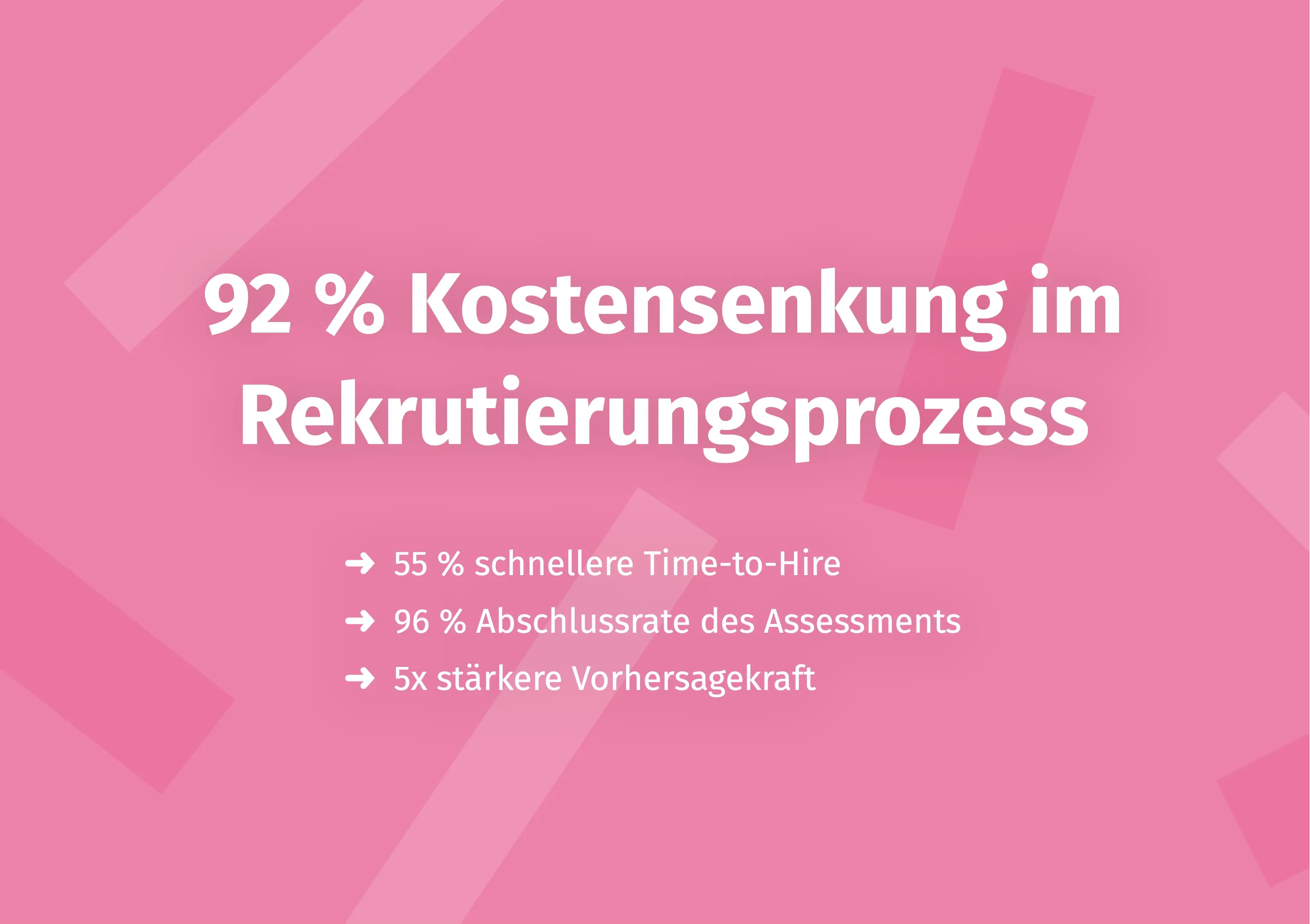
Looking to optimise your HR processes more broadly? Beyond operational scheduling, it is worth reviewing your talent selection as well: the digital platform Aivy supports HR managers in assessing candidates objectively and on a scientifically sound basis – GDPR-compliant and free from unconscious bias. Learn more about objective talent diagnostics with Aivy
Sources
- Working Time Act (Arbeitszeitgesetz, ArbZG), §§ 3, 4, 5. Federal Ministry of Justice, Germany, 1994 (continuously updated). https://www.gesetze-im-internet.de/arbzg/
- Federal Statistical Office (Destatis): Shift work in Germany. 2023. https://www.destatis.de/DE/Themen/Arbeit/Arbeitsmarkt/Qualitaet-Arbeit/Dimension-5/schichtarbeit.html
- OMR Reviews: Shift Schedule Software – User Ratings and Comparison. OMR, 2024. https://omr.com/de/reviews/category/schichtplan-software
- Capterra: Shift Scheduling Software Comparison. Gartner, 2024. https://www.capterra.com.de/directory/30861/scheduling/software

Make a better pre-selection — even before the first interview
In just a few minutes, Aivy shows you which candidates really fit the role. Beyond resumes based on strengths.