
A leave management tool is a digital software solution that enables HR teams and employees to submit, approve, and manage leave requests – without spreadsheets or paper forms. It supports compliance with statutory leave regulations, reduces administrative workload, and creates transparency around absences across the entire organisation. For teams of around 10–25 employees or more, switching from manual solutions to a dedicated tool delivers clear and measurable benefits.
What Is a Leave Management Tool?
A leave management tool – also referred to as absence management software or holiday planning software – is a digital solution for the centralised management of leave requests, approval workflows, and absence overviews within an organisation.
In practice, this means: employees submit leave requests directly in the system, managers approve or decline them with a single click, and HR professionals maintain a real-time overview of remaining leave balances, absences, and team calendars. This replaces the classic email back-and-forth and error-prone spreadsheets.
Unlike manual leave tracking via spreadsheets, digital tools automate the calculation of leave entitlements, carry-over rules, and special leave – and document all processes in an audit-proof manner. Many solutions also integrate seamlessly with existing HR systems or payroll software.
Legal Framework: What Do You Need to Consider?
The Federal Leave Act (BUrlG): Minimum Entitlements and Carry-Over Rules
The legal foundation for leave management in Germany is the Federal Leave Act (Bundesurlaubsgesetz, BUrlG). It establishes the statutory minimum holiday entitlement: under §3 BUrlG, employees are entitled to a minimum of 24 working days per year, based on a six-day working week – equivalent to 20 working days for a five-day week.
Particularly important for HR professionals are the carry-over rules. Under §7 para. 3 BUrlG, untaken statutory leave generally lapses at the end of the calendar year. Carry-over to the following year is only permitted where urgent operational or personal reasons exist – in such cases, leave must be taken by 31 March of the following year at the latest.
Importantly, the European Court of Justice (ECJ) has clarified in multiple rulings that leave does not automatically lapse if employers have failed to meet their duty to inform employees. This means companies must proactively and in good time remind employees to take their remaining leave – otherwise, untaken entitlement may survive beyond 31 March. Well-documented leave management provides employers with significant legal protection in the event of disputes.
GDPR Compliance in Leave Management
Leave data constitutes personal data within the meaning of the General Data Protection Regulation (GDPR). Article 5 GDPR requires that personal data be processed only for specified purposes and adequately protected. Article 32 GDPR obliges organisations to implement appropriate technical and organisational measures to secure that data.
A simple Excel file stored unprotected on a local drive or shared network folder typically does not meet these requirements: it lacks access controls, encryption, and deletion policies. Professional leave management tools, by contrast, offer GDPR-compliant data storage, granular access rights, and – with reputable providers – server locations within the EU.
When Is Excel Enough – and When Do You Need a Tool?
For Micro-Businesses (Fewer Than 10 Employees)
For very small teams, a well-maintained spreadsheet or shared calendar may initially suffice. Requirements are manageable, and the effort involved in introducing software may not yet be proportionate to the benefit. However, as soon as remote work, multiple locations, or frequent part-time arrangements enter the picture, even small businesses quickly reach the limits of manual solutions.
For SMEs (10–250 Employees)
From around 10–25 employees, a digital leave management tool is generally worthwhile. Manually maintaining leave accounts, managing approval communications, and preventing double bookings becomes increasingly time-consuming. A tool pays for itself quickly through saved administration time, fewer errors, and greater transparency – for HR, managers, and employees alike.
For SMEs, both lean standalone solutions and HR suites that cover additional HR processes beyond leave management are worth considering. The choice depends on whether you want to digitalise absence management alone or are planning a broader HR technology transformation.
For Larger Organisations and Enterprises
Larger organisations typically require a full HR suite that integrates leave management seamlessly with payroll, workforce planning, and compliance reporting. Standalone tools quickly reach their limits here – particularly when dealing with complex regulatory frameworks such as different collective agreements, works council agreements, or international teams.
What Must a Leave Management Tool Be Able to Do?
Not all tools are equal. Before making a decision, it is worth taking a careful look at your organisation's actual requirements. At a minimum, the following features should be present:
Must-have features:
- Digital leave request submission by employees (including via mobile)
- Approval workflow for managers (with notifications)
- Automatic calculation of leave balances and remaining entitlement
- Team calendar and absence overview
- Management of multiple absence types (annual leave, sickness, remote work, special leave)
- GDPR-compliant data storage (EU servers, access permissions)
- Role-based access controls (HR, manager, employee)
Nice-to-have features:
- Integration with payroll or existing HR software
- Mobile app
- Reporting and analytics (e.g. sickness rates, leave balance summaries)
- Multi-language support (for international teams)
- SSO / Active Directory integration
Connecting with existing systems – such as e-recruiting platforms or digital personnel files – is particularly relevant when you are looking to digitalise HR processes in a holistic way.
Overview: Tool Categories and Examples
Standalone Leave Management Tools
These solutions focus exclusively on absence and leave management. They are typically quick to set up, cost-effective, and straightforward – ideal for SMEs that do not want a comprehensive HR system overhaul.
Well-known examples: Absence.io, HoorayHR, Factorial (with HR add-ons), Kenjo, Personio (also available as an HR suite).
HR Suites With a Leave Module
Comprehensive HR software bundles multiple functions – leave management, payroll, recruiting, onboarding, and more – within a single platform. The advantage: all HR data resides in one central location and processes connect seamlessly. The downside: higher implementation effort and usually higher costs.
Well-known examples: Personio, HiBob, Sage HR, Rexx Systems.
Those looking to introduce a digital personnel file alongside leave management will often find an HR suite the most practical starting point.
Free Solutions
For entry-level use or very small businesses, free or heavily discounted basic versions are available. These are suitable for simple requirements but frequently offer limited functionality, restricted user numbers, and weaker GDPR guarantees.
Well-known examples: Zoho People (Free Plan), Teamup, Absence.io (Free Tier). Free solutions should always be checked for GDPR compliance and EU data storage.
Frequently Asked Questions About Leave Management
What is a leave management tool?
A leave management tool is digital software that allows employees to submit leave requests and managers to approve or decline them. HR teams use the tool to maintain a real-time overview of leave balances, remaining entitlement, and team absences – without manual spreadsheets.
When does a leave management tool become worthwhile?
As a rule of thumb: from around 10–25 employees, or as soon as manual administration takes more than one to two hours per week. Remote or hybrid working arrangements, multiple locations, or frequent part-time schedules are also strong indicators that a digital tool is needed sooner rather than later. The realities of hybrid working reinforce this – it is also worth considering purpose-built solutions for hybrid working models.
Is managing leave via Excel GDPR-compliant?
In principle it is possible, but it carries real risk. Excel files without access protection, encryption, or a clear permissions concept typically do not meet the requirements of Art. 32 GDPR (technical and organisational measures). Professional tools offer considerably greater security through EU data storage, granular access rights, and audit-proof documentation.
How much does a leave management tool cost?
The price range is wide: basic versions are available free of charge, while professional standalone tools typically cost between €3 and €8 per user per month. HR suites with a leave module range from €5 to €15 per user per month depending on the feature set. For a company with 50 employees, this translates to annual costs of roughly €1,800 to €9,000 – a sound investment compared to the cost of manual administration.
How long can leave be carried over?
Under §7 para. 3 BUrlG, untaken statutory minimum leave generally lapses at the end of the calendar year. Carry-over to the following year is only permitted for urgent operational or personal reasons – in that case, until 31 March at the latest. Note: the ECJ has ruled on multiple occasions that leave does not automatically lapse when employers have failed to fulfil their duty to inform. HR teams must actively and in good time remind employees to take any outstanding leave.
What should I look for when choosing a tool?
Beyond the must-have features (leave requests, approval workflow, leave balances, team calendar), three criteria are decisive above all: GDPR compliance and EU server location, integration capabilities with existing HR systems, and user-friendliness for employees. A tool that no one wants to use delivers no value – usability and ease of adoption are often just as important as the feature set.
Can special leave also be managed digitally?
Yes – most professional tools allow the configuration of multiple absence types: in addition to standard annual leave, this includes special leave (e.g. for marriage, bereavement, or moving house), sick days, parental leave, or remote working days. Entitlement to special leave is governed by collective agreements, works council agreements, or individual employment contracts – the tool documents what has been contractually agreed.
Conclusion
Digital leave management tools achieve what manual solutions cannot: reliable legal compliance (BUrlG, GDPR), transparent processes for all parties involved, and significantly less administrative burden for HR teams. For organisations with around 10–25 employees or more, a suitable tool is not a luxury – it is a sensible standard.
When making your selection: do not be overwhelmed by feature lists. First decide whether you need a lean standalone solution or a comprehensive HR suite, and rigorously verify GDPR compliance and integration capability before committing to a purchase.
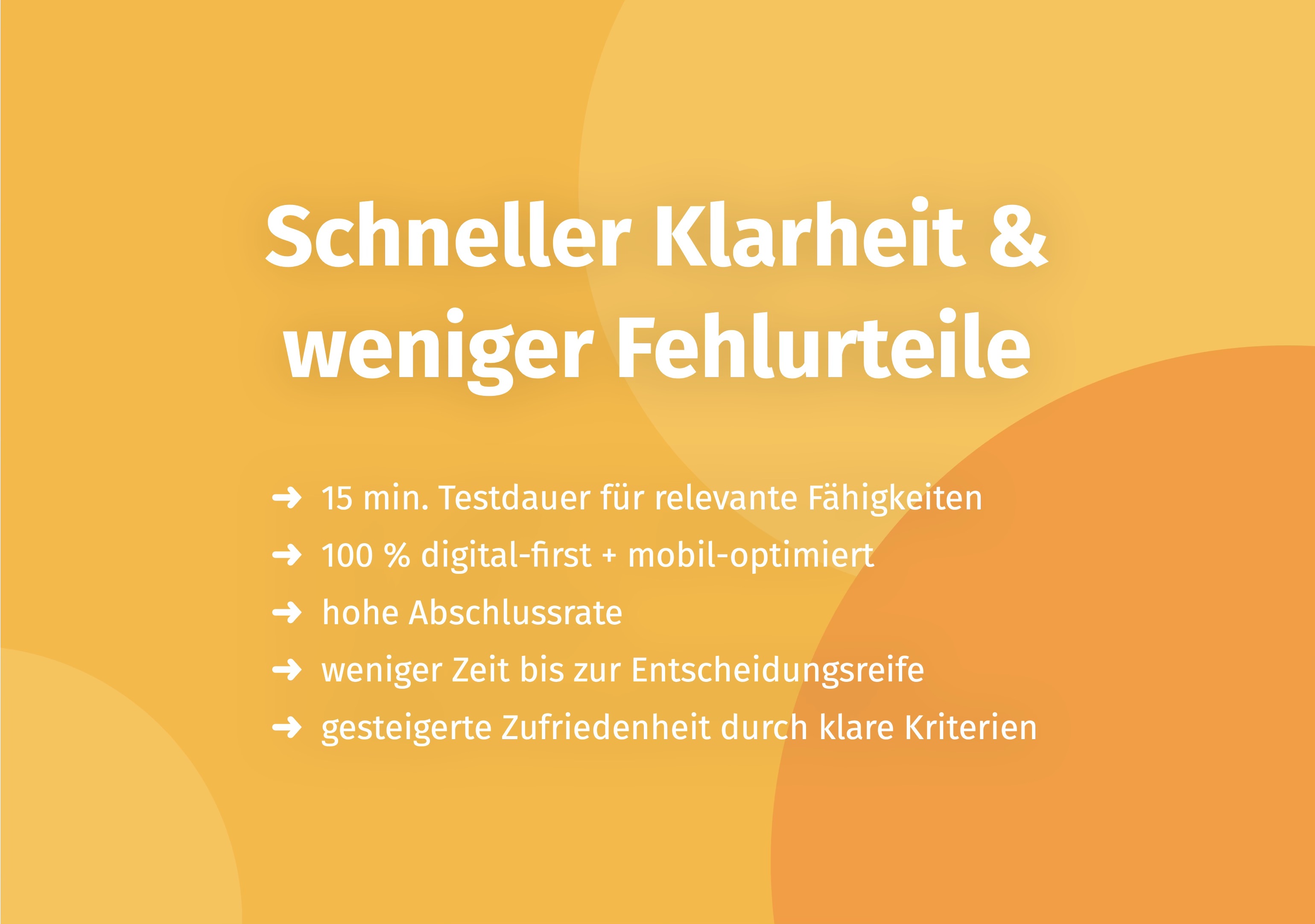
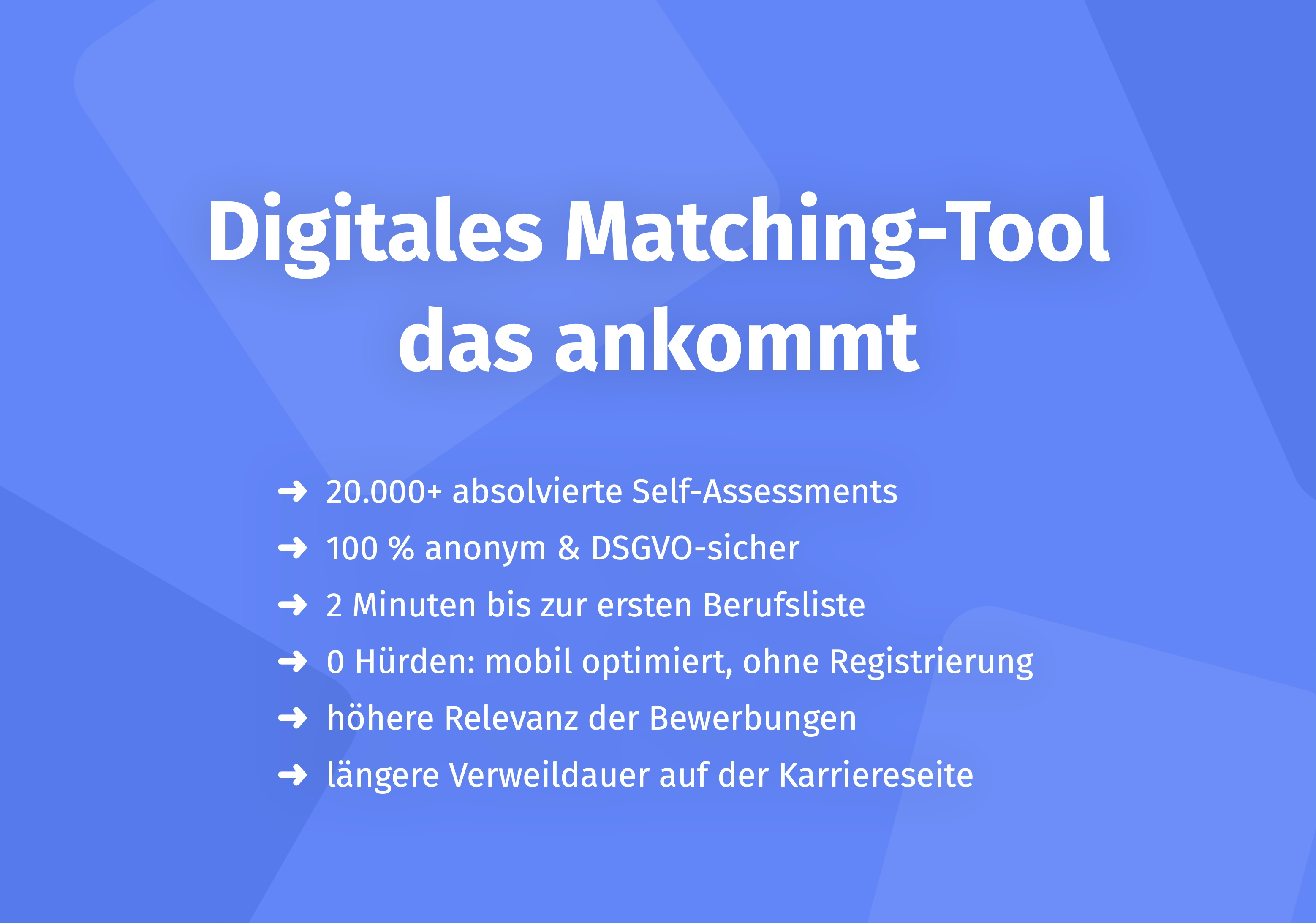
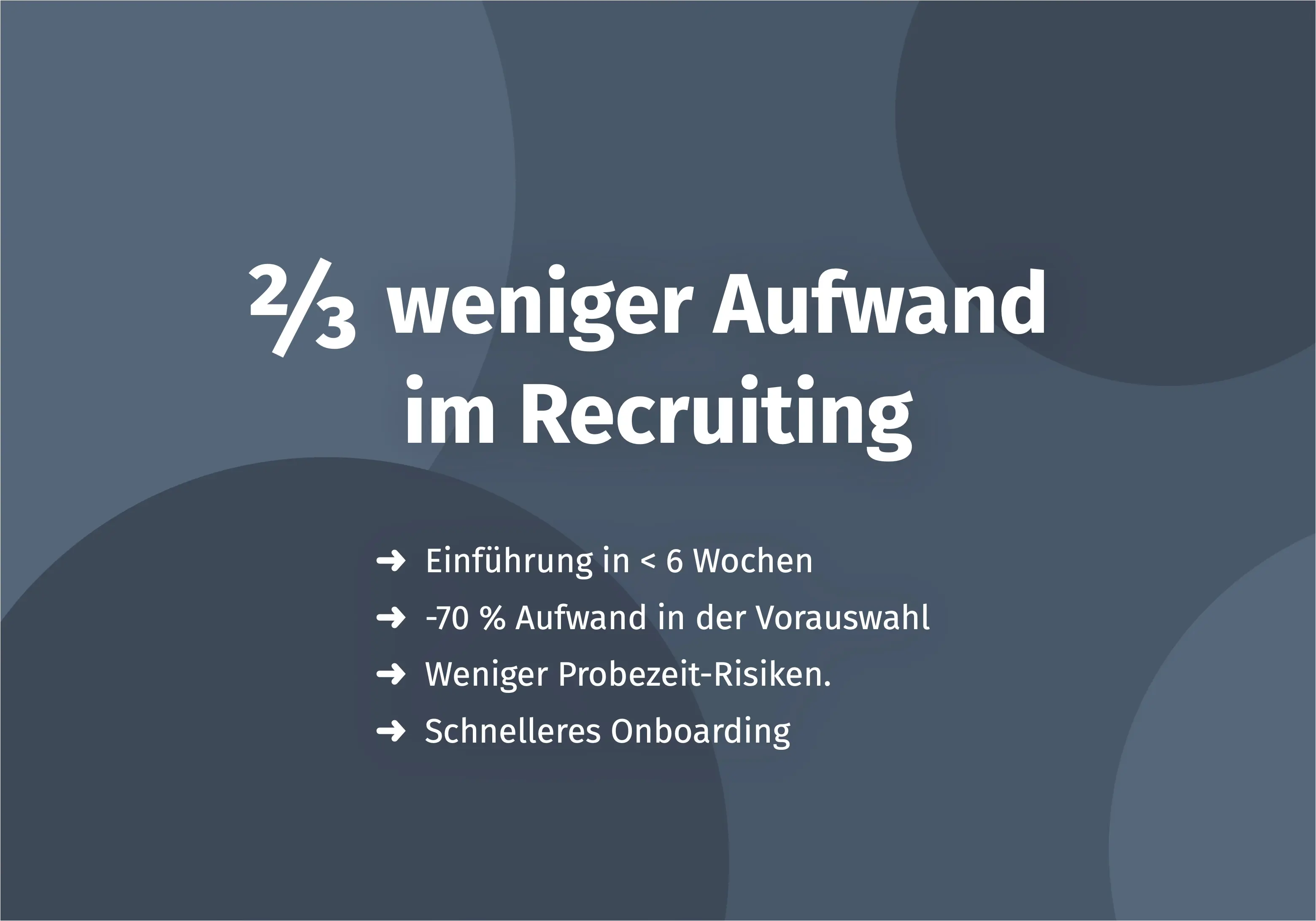
For those looking to modernise their recruiting process in addition to leave management: the digital platform Aivy supports HR teams with objective, scientifically grounded talent selection – from requirements profiling to assessments. Find out more about the Aivy platform.
Sources
- Federal Leave Act (Bundesurlaubsgesetz, BUrlG). Federal Ministry of Justice. Last updated 2024. https://www.gesetze-im-internet.de/burlg/
- General Data Protection Regulation (GDPR), in particular Art. 5 and Art. 32. European Union. 2018. https://eur-lex.europa.eu/legal-content/EN/TXT/?uri=CELEX:32016R0679
- Federal Ministry of Labour and Social Affairs (BMAS): Holiday and Leave Law. 2024.Arbeitnehmerrechte/Urlaub/urlaub.html
- Bitkom e.V.: Digitalisation in HR – HR Software Study. 2023. https://www.bitkom.org
Make a better pre-selection — even before the first interview
In just a few minutes, Aivy shows you which candidates really fit the role. Beyond resumes based on strengths.