
You've received an invitation to an online job interview – congratulations, you've cleared the first hurdle! But now new questions arise: How do I prepare technically? What background looks professional? And can I really be as convincing via video as I would be in person?
The good news: With the right preparation, you can master any video interview with confidence. Current studies show that online job interviews have become an integral part of the recruiting process. According to a study by StepStone and the German Federal Association of HR Managers (BPM), 60% of recruiters continue to conduct live video interviews regularly even after the pandemic. And 56% expect digital recruiting tools to increase further.
In this comprehensive guide, you'll learn everything you need to know for a successful online job interview – from both candidate and HR perspectives. You'll discover how to prepare optimally, which common mistakes to avoid, and how companies can combine video interviews with objective selection methods.
What Is an Online Job Interview?
An online job interview is a job interview conducted via video chat over the internet – instead of at the company's office. The candidate and recruiter sit across from each other virtually and have a conversation in real time.
Live Interview vs. Asynchronous Interview vs. Video Pitch
Not every video interview follows the same format. There are three different types you should know:
Live Video Interview: The classic format that comes closest to an in-person job interview. You and your conversation partners are online simultaneously, having a real-time conversation and can respond directly to each other. This format is used most frequently.
Asynchronous Video Interview (One-Way Interview): In this format, you receive pre-recorded questions that you answer via video – without a live counterpart. You have a specific response time per question (usually 1-3 minutes). The videos are evaluated later by HR professionals. This format is often used for pre-screening when there are many applications.
Video Pitch: A 30-60 second self-presentation via video, which often replaces the traditional cover letter. Here you need to present yourself briefly and convincingly – a real challenge that requires intensive preparation.
Which Tools Are Used?
Most companies use established video conferencing tools:
| Tool | Advantages | Specifics |
|---|---|---|
| Microsoft Teams | Professional, stable, Office 365 integration | Often used by larger companies |
| Zoom | User-friendly, high video quality | Widely used, often usable without installation |
| Skype | Classic, freely available | Less common now, but still used |
| Google Meet | Easy to use via browser | Common at Google-affine companies |
Typically, you'll receive an individual link through which you can join the conversation – without having to install software.
Why Do Companies Use Video Interviews?
Digitalization in recruiting received an enormous boost from the COVID-19 pandemic. According to a survey by e-fellows.net, over 80% of German companies switched to video interviews during the pandemic. But even afterward, the format has remained – for good reasons.
Benefits for Companies and Candidates
For Companies:
- Cost savings on travel expenses for candidates
- Faster processes and shorter time-to-hire
- Larger candidate pool through location-independent conversations
- International recruitment without travel costs
- Signaling a modern employer brand
For Candidates:
- No travel costs or time
- Conversation in a familiar environment (less nervousness)
- More flexible scheduling
- Ability to have notes ready
Limitations of Video Interviews: What They Cannot Do
A qualitative study by DHBW Heilbronn puts it succinctly: "The video interview can achieve 80% of what an in-person conversation delivers." The remaining 20% primarily concerns the so-called "cultural fit" – the question of whether the chemistry between candidate and team is right.
A survey by softgarden among HR professionals confirms this: Almost 98% were able to clarify job content and conditions well via video conference. However, it's more difficult to assess whether the chemistry between candidate and team is right.
Further limitations:
- Non-verbal signals are harder to read
- Spontaneous small talk often doesn't happen
- Candidates don't get insight into the office and potential colleagues
- Technical problems can distort impressions
Preparing for the Online Job Interview
Preparation for a video interview covers three areas: content, technology, and environment. All three are equally important.
Content Preparation
Here, the online job interview differs little from an in-person conversation:
- Research the company: Website, news, social media, company culture
- Understand the position: What requirements are stated? What competencies are needed?
- Know your strengths: Why are you the right person for this position?
- Prepare for typical questions: "Tell me about yourself," "Why this company?," "Where do you see yourself in 5 years?"
- Note your own questions: Shows interest and preparation
Technical Preparation
The technical side is particularly important in online interviews – and at the same time the biggest source of errors.
Technology Checklist:
- Test camera and microphone (at least one day in advance)
- Check internet connection (ideally via LAN cable, not just WiFi)
- Install software and create user account (if required)
- Use a professional profile name and picture
- Have a backup plan (keep phone number ready for emergencies)
Tip: Do a test run with a friend – ideally with the same software that will be used in the actual conversation.
Environment and Background
Your background says more about you than you might think. Pay attention to:
The Ideal Background:
- Neutral and tidy (preferably a plain wall)
- No distracting elements (posters, open shelves, laundry rack)
- Avoid virtual backgrounds – they often look unprofessional and can cause technical issues
Lighting:
- Light source from the front (window or lamp)
- No backlight behind you (your face would then be dark)
- A ring light can help create even lighting
Quiet:
- Inform roommates, family, or housemates about the appointment
- Keep pets in another room
- Mute the doorbell
- Phone on silent
Dress Code: What Should I Wear for a Video Interview?
Even if only your upper body is visible: Dress completely professionally. There are two reasons:
- Psychological effect: Those who wear complete business attire appear more confident
- Safety: If you need to stand up spontaneously, there are no embarrassing surprises
Recommendations:
- Choose clothing you would wear in an in-person interview
- Avoid striking patterns and checks (can flicker on camera)
- Avoid bright colors
- Align with the company's dress code (website, LinkedIn, social media)
The Process of a Video Interview
Typical Conversation Flow
The process is similar to an in-person job interview:
- Tech check: "Can you hear and see me well?"
- Greeting and small talk: Often shorter than on-site
- Introduction round: Who are the conversation partners?
- Your self-presentation: "Tell us about yourself"
- Professional questions: About your experience, qualifications, motivation
- Your questions: Show interest and preparation
- Outlook: What happens next?
- Farewell
Eye Contact, Body Language, and Facial Expressions on Camera
The biggest challenge in video interviews: eye contact. Our natural impulse is to look at the face of our counterpart – meaning the screen. But for your counterpart, it then looks like you're looking elsewhere.
The Solution:
- Look directly into the camera while speaking
- Position your counterpart's video window as close to the camera as possible
- Turn off self-view – this way you avoid constantly watching yourself
Body Language:
- Upright posture, straight back
- Hands visible on the table (not hidden)
- Not too close and not too far from the camera
- Occasional nodding shows attentiveness
Voice and Speech:
- Speak slower and more clearly than usual (technology can distort sound)
- Let your counterpart finish speaking – time delays can cause overlapping
- Short, clear sentences are better than long, complex ones
Dos and Don'ts in Online Job Interviews
The 10 Most Important Tips for Candidates
- Test technology: Check camera, microphone, and connection at least one day before
- Log in early: Be ready 10-15 minutes before the appointment
- Professional background: Neutral, tidy, no distractions
- Dress completely: Your pants should be business-appropriate too
- Look into the camera: Not at the screen
- Speak slowly: Technology causes delays
- Have notes ready: Cheat sheets at the edge of the screen are allowed
- Listen actively: Nod, give brief confirmations
- Ask questions: Shows interest and preparation
- Close professionally: "Thank you for the conversation. I look forward to hearing from you."
Avoiding the Most Common Mistakes
- Technology not tested: Connection drops and sound problems appear unprofessional
- Unsuitable environment: Clutter in the background, poor lighting
- Looking at the screen: Instead of into the camera – appears like lack of eye contact
- Speaking too fast: Due to nervousness and time delays, information gets lost
- Not prepared for questions: Content preparation is just as important as technical
- Disturbances: Doorbell, pets, roommates
What to Do About Technical Problems?
Technical problems can happen to anyone – what matters is how you handle them:
- Stay calm: Panic makes it worse
- Communicate immediately: "I'm sorry, I'm having a technical issue"
- Use backup: Have phone number ready for callback
- Be flexible: Offer to continue the conversation by phone or reschedule
A confident handling of technical difficulties can even make a positive impression – it demonstrates problem-solving skills.
Online Job Interviews from the HR Perspective
Not only candidates face challenges – HR professionals must also conduct video interviews professionally.
Best Practices for Recruiters
- Conduct structured interviews: Standardized questions for all candidates increase comparability. According to a meta-analysis by Schmidt and Hunter (1998), structured interviews have significantly higher validity (r=.51) than unstructured conversations (r=.38).
- Involve multiple people: Reduces subjective impressions
- Take notes: Document impressions systematically
- Minimize technical hurdles: Simple tools, clear instructions in advance
- Consider candidate experience: Friendly atmosphere, punctual start, clear communication
Unconscious Bias in Video Interviews Too
A common misconception: Bias would be less relevant in digital settings. But unconscious bias also operates online – sometimes even more intensely.
Factors that can amplify bias in video interviews:
- Background and environment: A professional home office is evaluated differently than a shared apartment room
- Technical quality: Poor camera or lighting can trigger negative associations
- Non-verbal signals: Due to limited visibility, individual characteristics are overweighted
To reduce these distortions, video interviews should be combined with objective selection methods.
Objective Selection: Optimally Complementing Video Interviews
Why Video Interviews Alone Are Not Enough
Video interviews provide valuable impressions – but they are subjective. First impressions, sympathy, and similarity often influence evaluations more than actual competencies.
The research is clear: Scientifically validated aptitude tests achieve a validity of r=.54 – higher than structured interviews (r=.51) and significantly higher than unstructured conversations (r=.38). A combination of both methods delivers the best results.
Assessments Before the Interview: Better Pre-Selection
Objective pre-selection before the video interview brings several advantages:
- Better conversation quality: HR can focus on truly suitable candidates
- Less bias: Data-based pre-selection instead of gut feeling
- Fairer chances: Candidates with "unusual" resumes are also considered
- Time savings: Fewer conversations with unsuitable candidates
How Objective Assessment Improves Conversation Quality
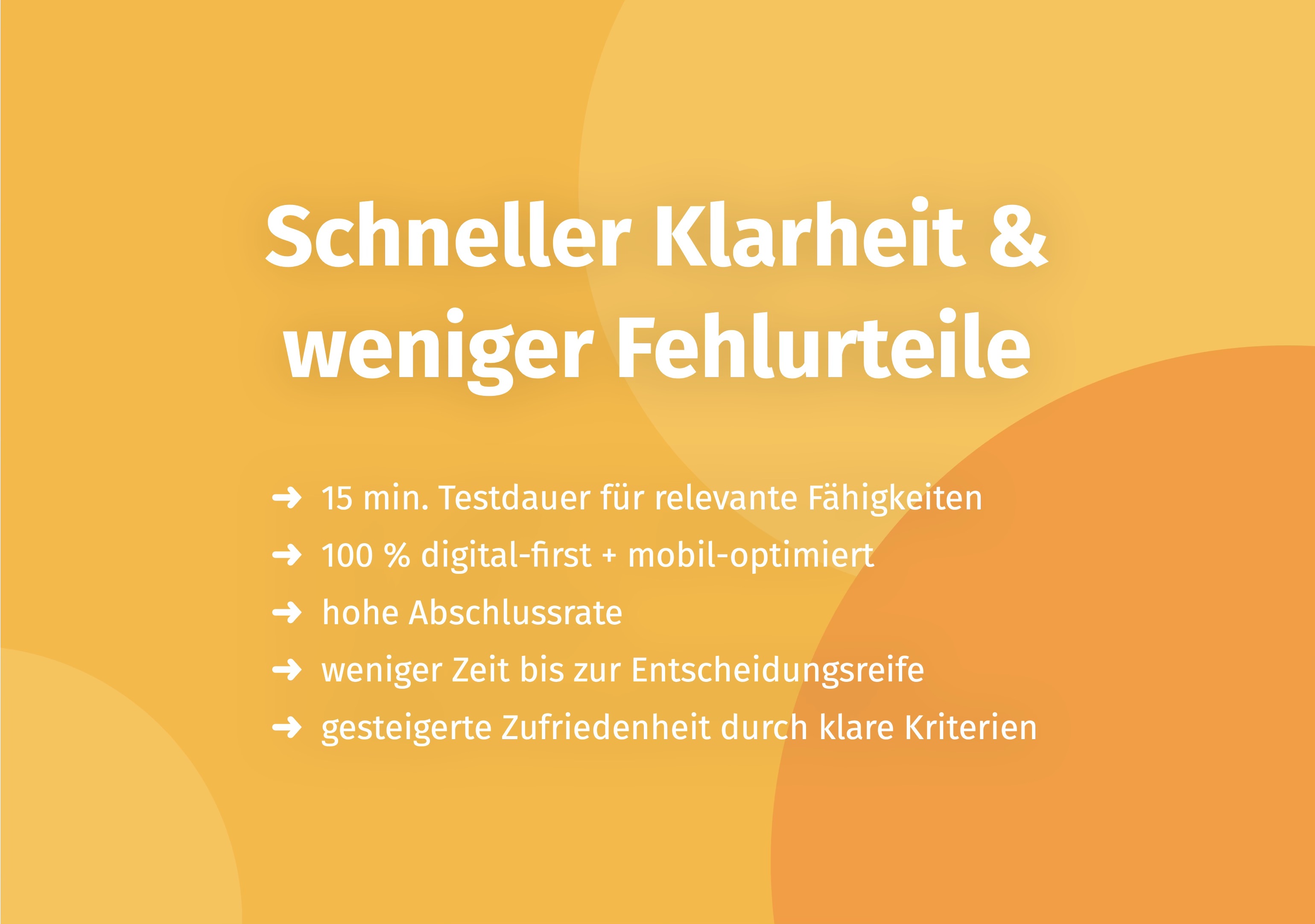
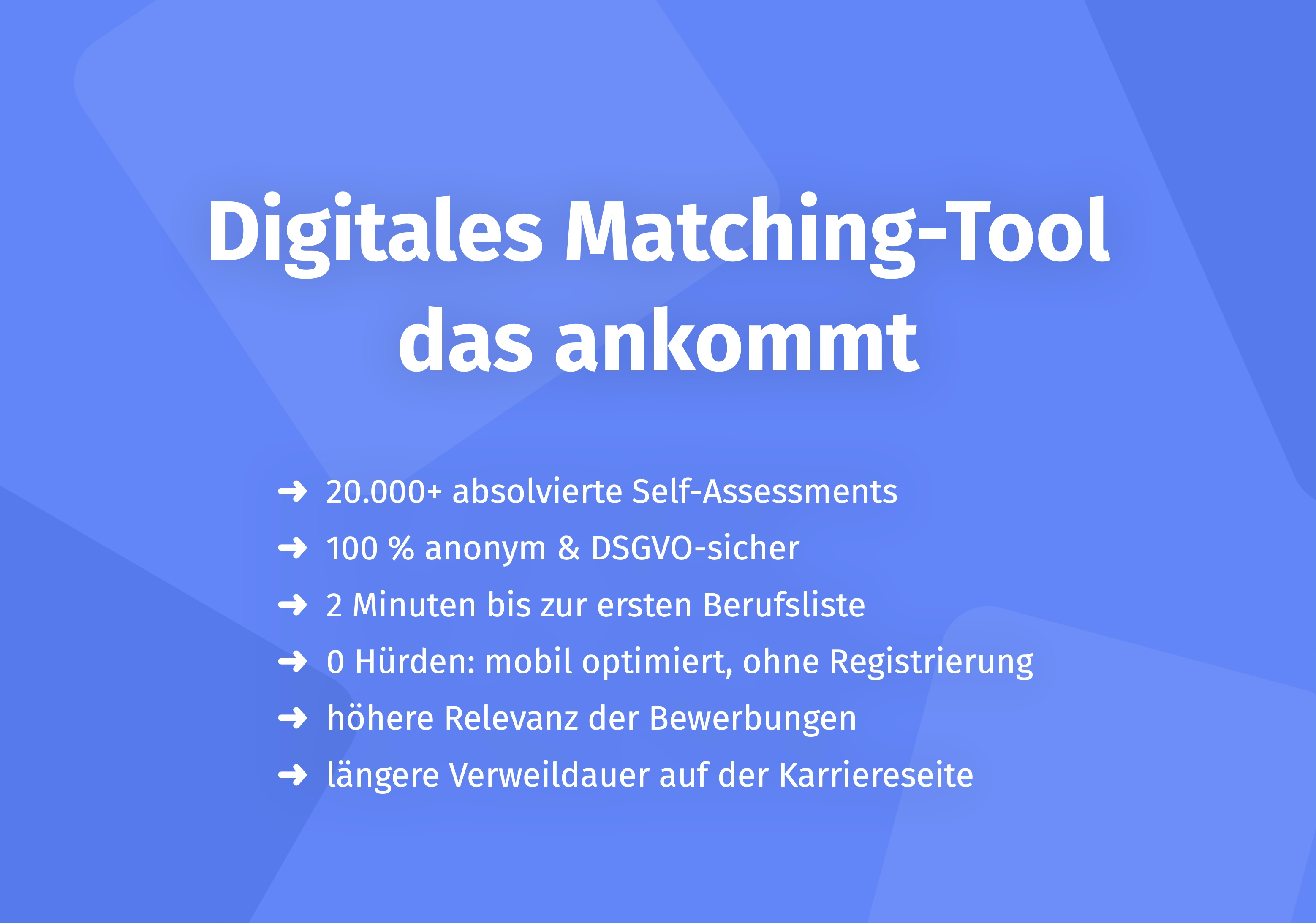
Objective assessment tools like the Aivy platform enable data-based decisions before the interview. The scientifically validated game-based assessments measure relevant competencies – regardless of resume, photo, or background.
Practice shows measurable success: Companies like Lufthansa achieve a hit rate of 96% (correct prediction vs. in-house assessment) with objective assessment – with 81% satisfaction from applicants. Susanne Berthold-Neumann from Lufthansa explains the approach: "We look at the documents late because they only show a small part of the person and say little about whether someone has the competencies for future challenges."
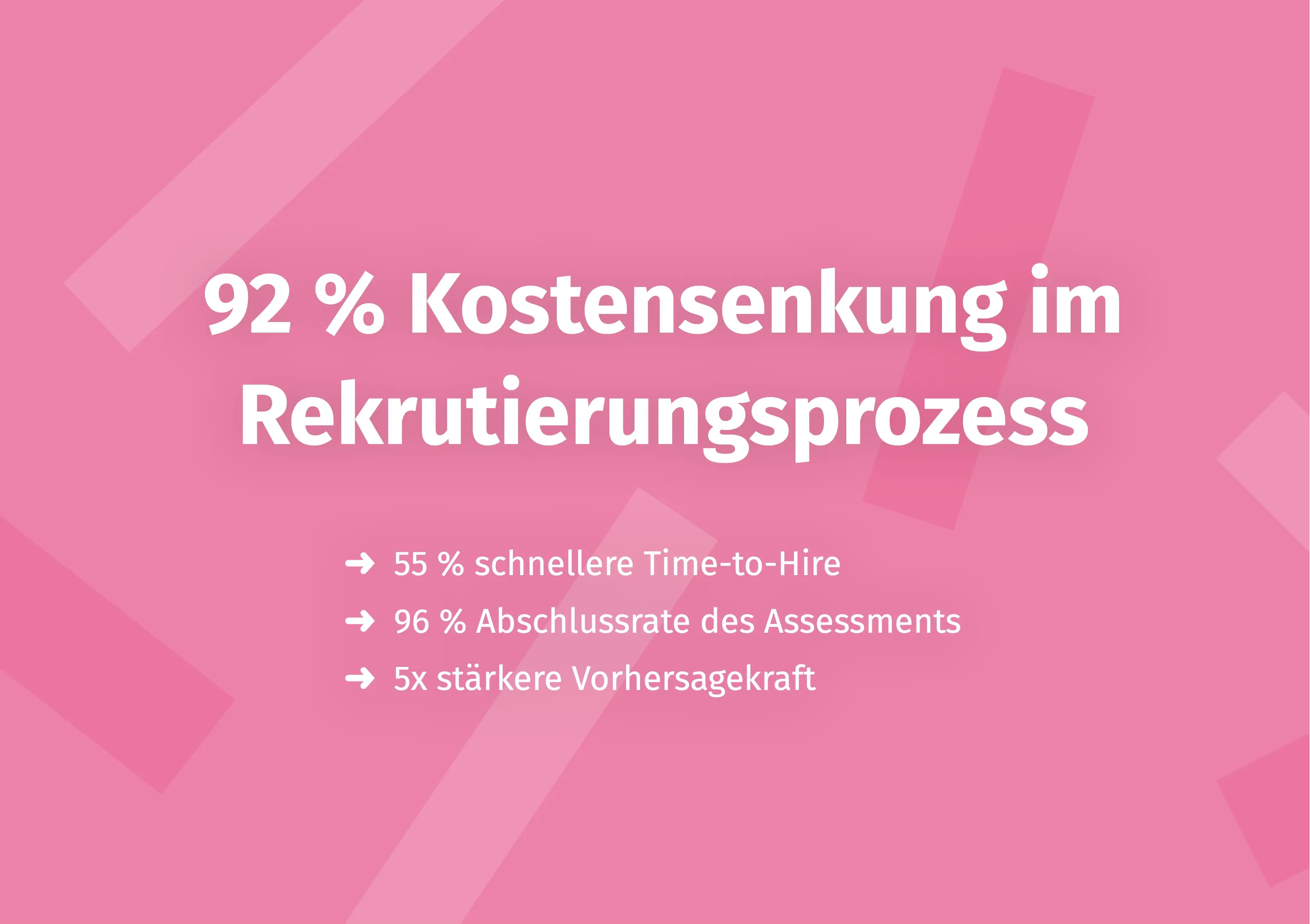
There are also significant improvements in efficiency: MCI was able to reduce time-to-hire by 55% while simultaneously reducing cost-per-hire by 92%. Matthias Kühne, Director People & Culture at MCI, emphasizes: "With Aivy, we have digitized another process step in recruitment and strongly professionalized it through the more objective evaluation basis."
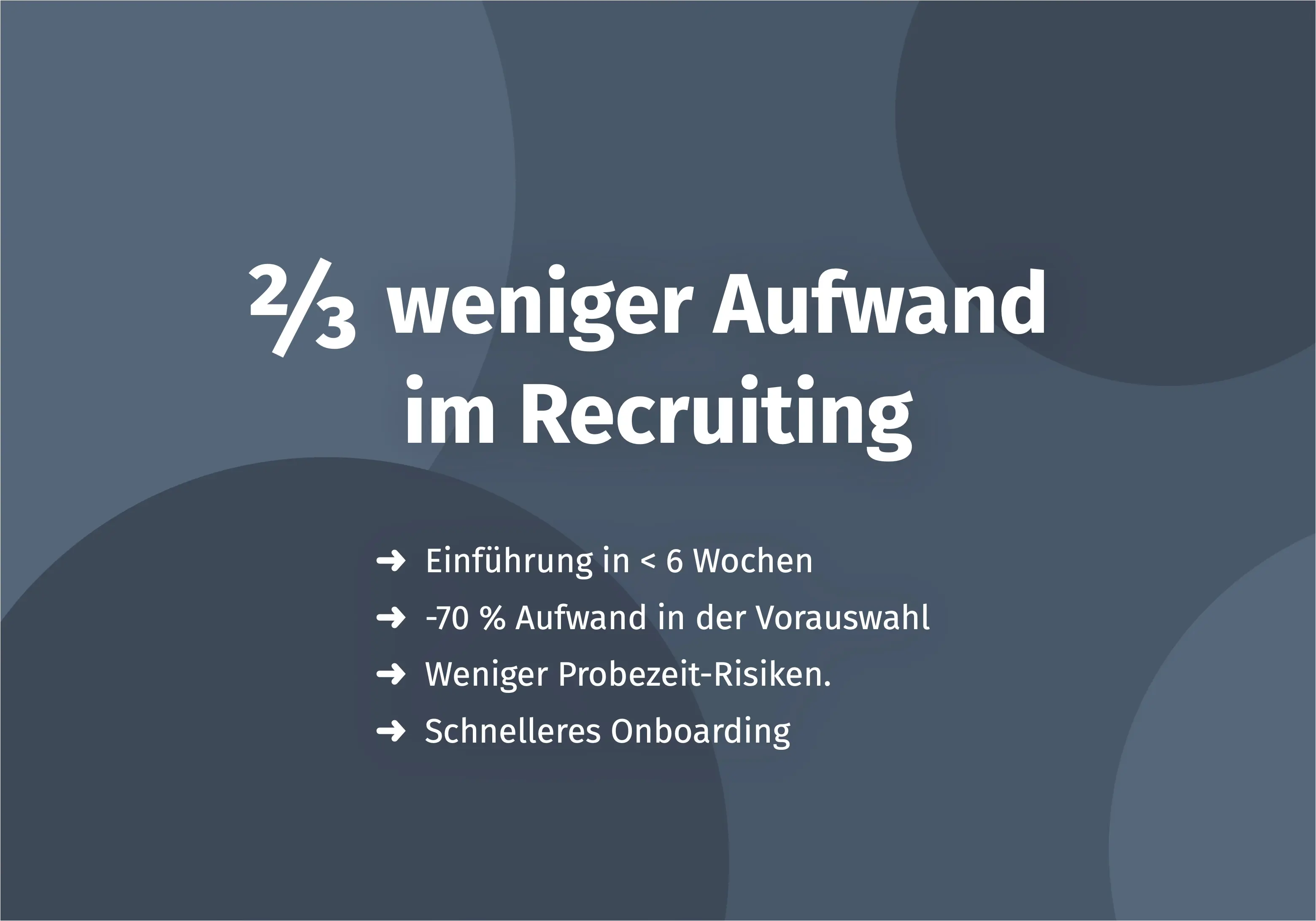
CEO Achim Reinhardt of Callways sums up the effect on conversations: "The conversations are significantly better and more to the point." The recruiting process was completely restructured within 6 weeks – with the result that the company now has 2-3 times less effort while making better hiring decisions.
Checklist: How to Master Every Online Job Interview
24 Hours Before:
- Software installed and tested
- Camera and microphone working
- Internet connection stable (ideally LAN)
- Professional user profile created
- Outfit prepared (completely!)
- Company information researched
- Own questions noted
1 Hour Before:
- Room prepared (background, lighting)
- Disturbance sources eliminated (phone silent, doorbell off)
- Roommates informed
- Glass of water ready
- Notes and resume within reach
10 Minutes Before:
- Logged into meeting room
- Final technology check
- Self-view checked (and then turned off)
- Deep breath, relax
During the Interview:
- Look into the camera
- Speak slowly and clearly
- Let others finish speaking
- Listen actively
- Take notes
- Ask your own questions
- Close professionally
Frequently Asked Questions (FAQ)
How do I maintain eye contact in a video conference?
Look directly into the camera while speaking, not at the screen or your own image. Position your counterpart's video window as close to the camera as possible and turn off self-view to avoid getting distracted.
What is the difference between a live interview and an asynchronous interview?
In a live interview, you have a real-time conversation with recruiters. In an asynchronous interview, you answer pre-recorded questions via video, without a direct counterpart. The latter is often used for pre-screening when there are many applications.
What background is suitable for a video interview?
A neutral, tidy background is best – ideally a plain wall. Avoid virtual backgrounds, as they often look unprofessional and can cause technical problems. Ensure good lighting from the front.
What should I do about technical problems during a video interview?
Stay calm and inform your conversation partners immediately about the problem. Have a phone number ready as a backup. Offer to continue the conversation by phone or schedule a new appointment. Confident handling of problems demonstrates competence.
Can recruiters assess candidates as well in video interviews as in person?
Studies show: Video interviews can achieve about 80% of what an in-person conversation delivers. Job content and conditions can be clarified well. Assessing "chemistry" and cultural fit is more difficult. Objective assessments before the interview can close this gap.
Does unconscious bias exist in online interviews too?
Yes, unconscious biases also operate digitally – sometimes even more intensely. Factors like background, lighting, or technical quality can distort impressions. Companies should therefore combine video interviews with objective selection methods to reduce bias.
Conclusion: Your Path to a Successful Online Job Interview
The online job interview is here to stay. Over 60% of companies use video interviews permanently – and the trend is rising. With the right preparation, you can use this format to your advantage.
Key Points Summarized:
- Test technology in advance – at least one day before the interview
- Professional background and good lighting are essential
- Look into the camera, not at the screen
- Speak slowly and clearly, let others finish speaking
- Content preparation is just as important as technical preparation
For HR professionals: Video interviews are a valuable tool – but they have limitations. Combining them with objective selection methods like game-based assessments measurably reduces bias and improves the quality of hiring decisions. Companies like Lufthansa and MCI show how it's done.
Would you like to use objective assessment in your recruiting process? The Aivy platform supports you with scientifically validated assessments for fair and efficient personnel selection.
Sources
- StepStone/BPM (2020): Study on Video Interviews in Recruiting
- softgarden (2021): Survey among HR Professionals on the Benefits of Video Conferencing in Recruiting
- DHBW Heilbronn (2020): Qualitative Study "Recruiting in Times of Corona"
- e-fellows.net (2020): Survey on Handling Job Interviews During the Corona Crisis
- Schmidt & Hunter (1998): "The Validity and Utility of Selection Methods in Personnel Psychology"
- Lufthansa Success Story
- MCI Success Story
Make a better pre-selection — even before the first interview
In just a few minutes, Aivy shows you which candidates really fit the role. Beyond resumes based on strengths.